What would you
rather be doing?
Block distracting apps and make room for real life.
When do you
need space?
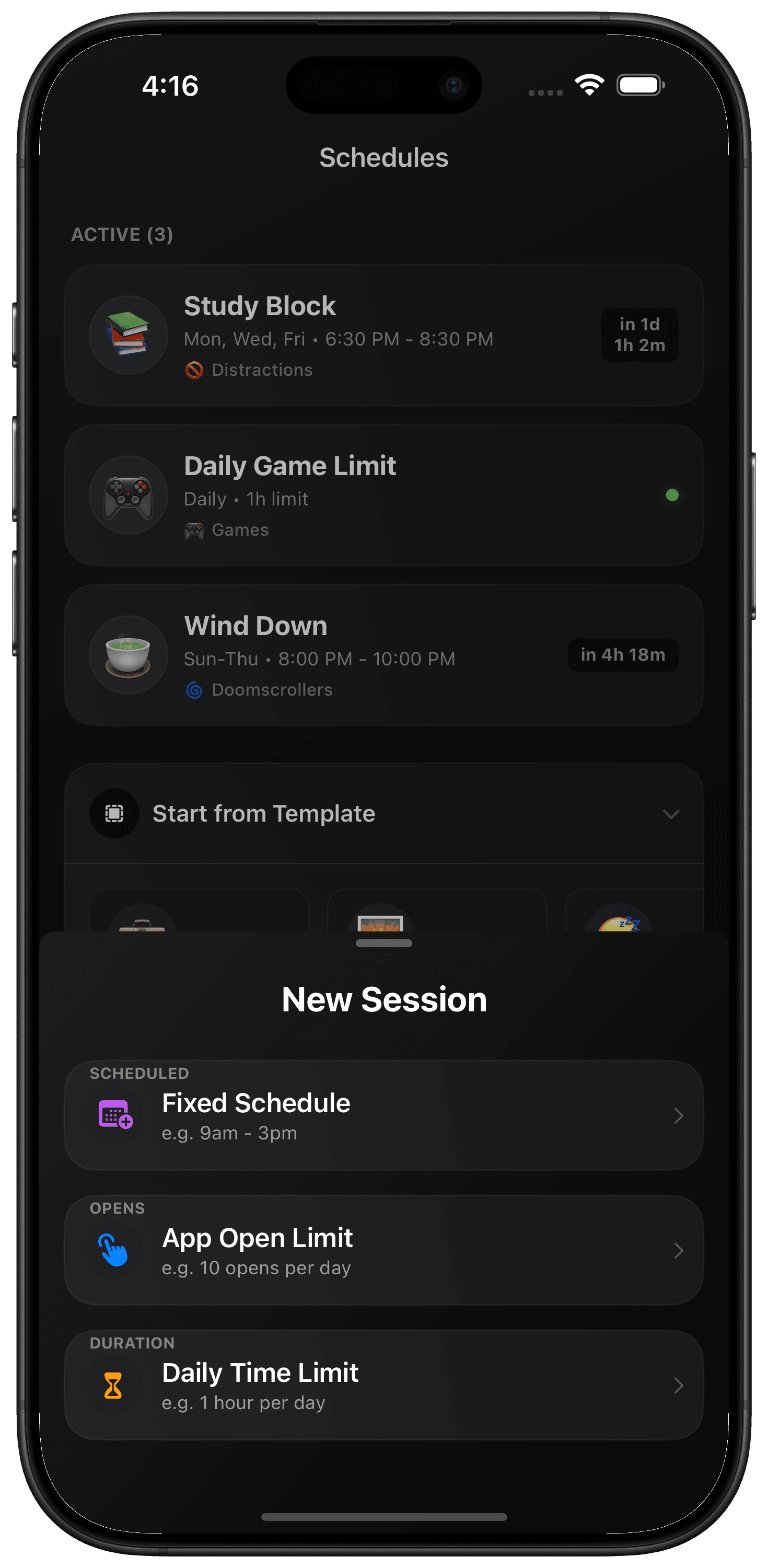
Quick Sessions, recurring schedules or daily limits.
Your day, with fewer distractions.
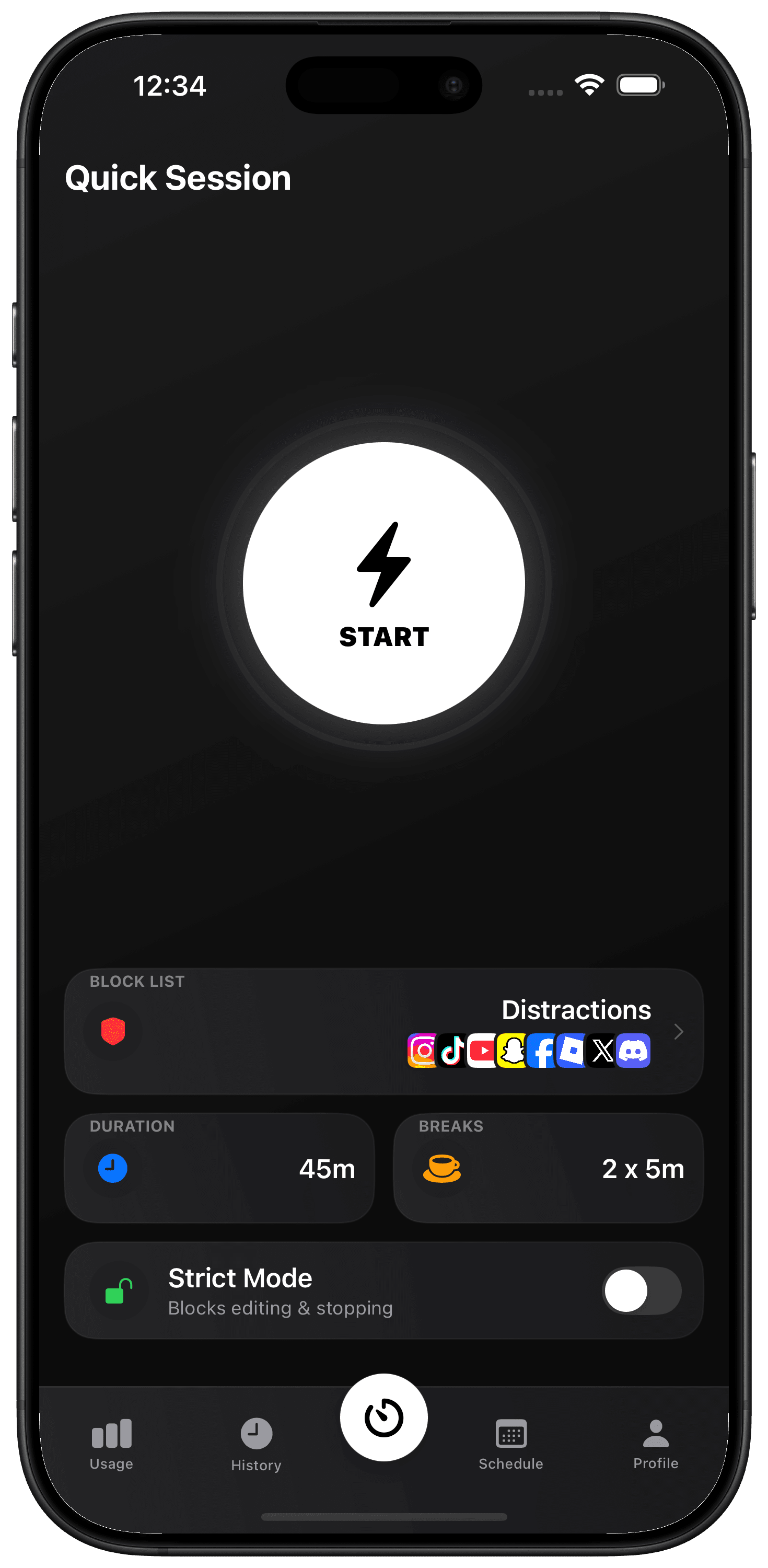
Start a
Quick Session.
Pick your distractions, set a duration and start a Quick Session. Take a timed break when you need one.
Also available from your Home Screen widget.
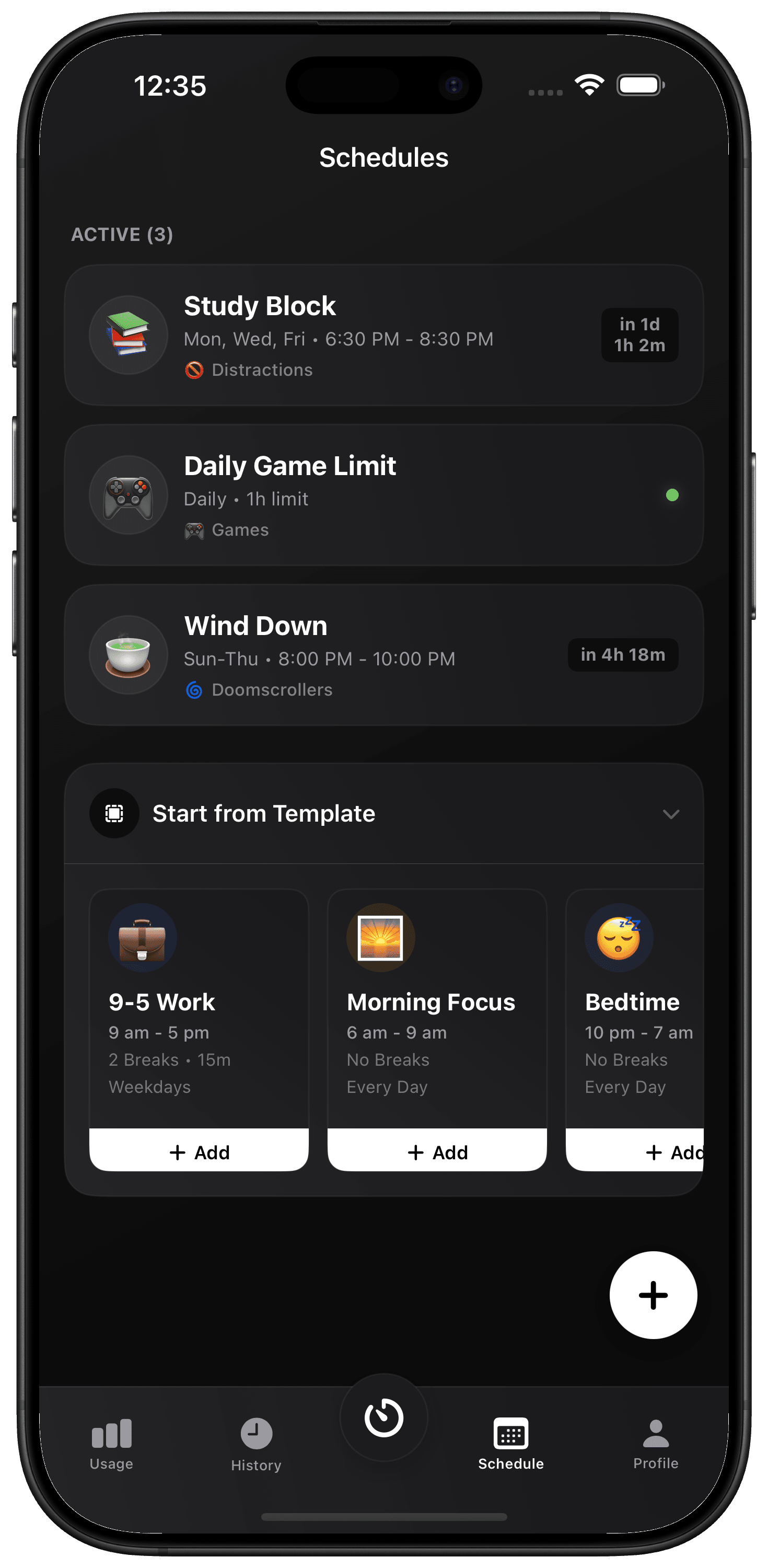
Set recurring
focus sessions.
Schedule time for studying, work or winding down. Your chosen apps stay out of the way automatically.
Start with a template. Adjust it to your day.
Set daily
app limits.
Set a daily time limit or choose how often you can open an app. Keep the habit. Lose the endless scroll.
Daily limits reset for a fresh start tomorrow.
What stays
within reach?
You choose what gets through.
And how firm the boundary feels.
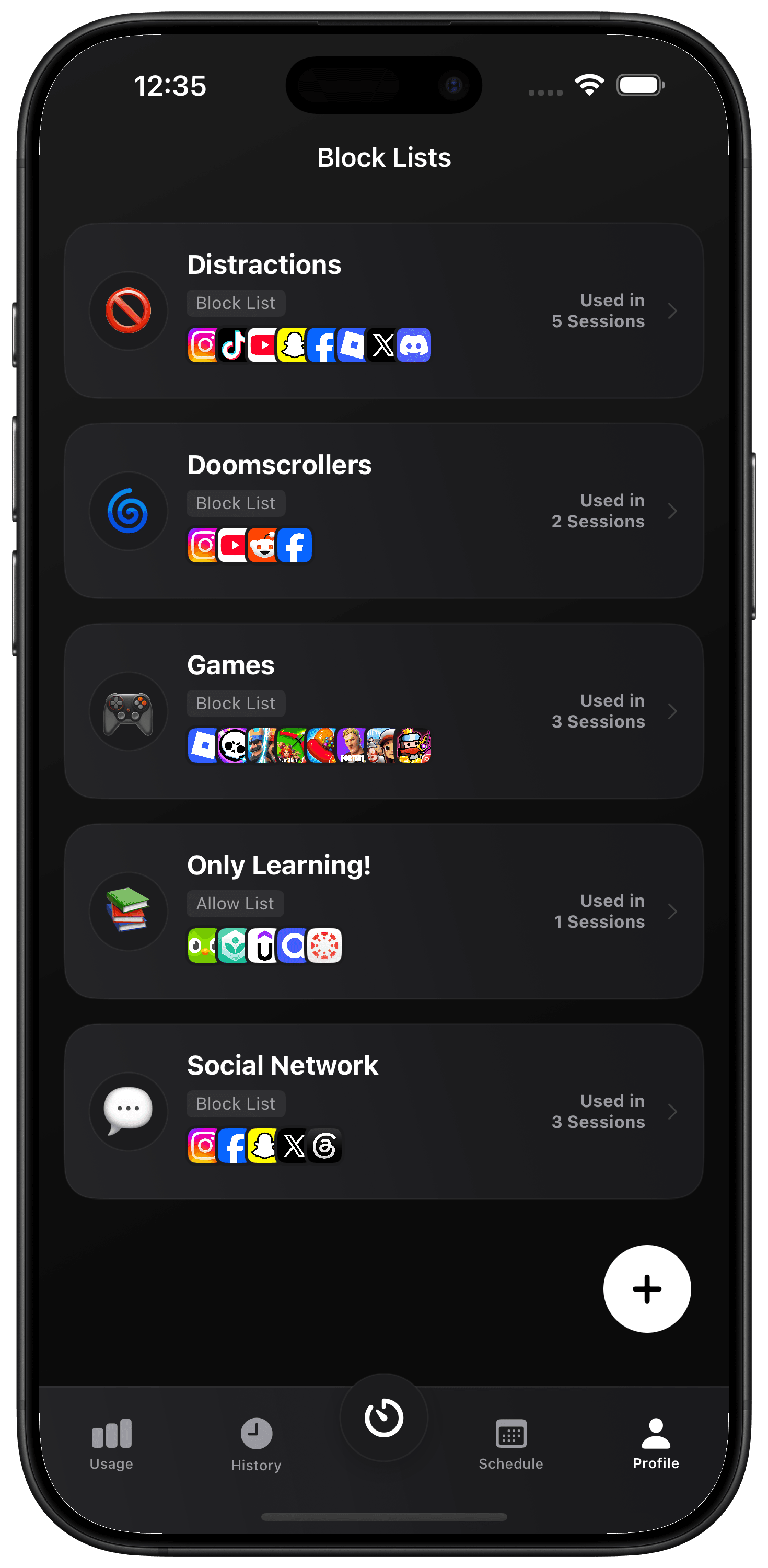
- Block lists
- Keep your useful apps. Block the apps, websites and categories that pull you away.
- Included
- Allow lists
- Flip the approach. Let only your chosen apps and websites through.
- Premium
- Strict Mode
- Make a commitment that’s harder to undo. Lock session editing and stopping.
- Premium
What’s in your
Screen Time?
Classify apps as productive, neutral or distracting.
Review your focus history.
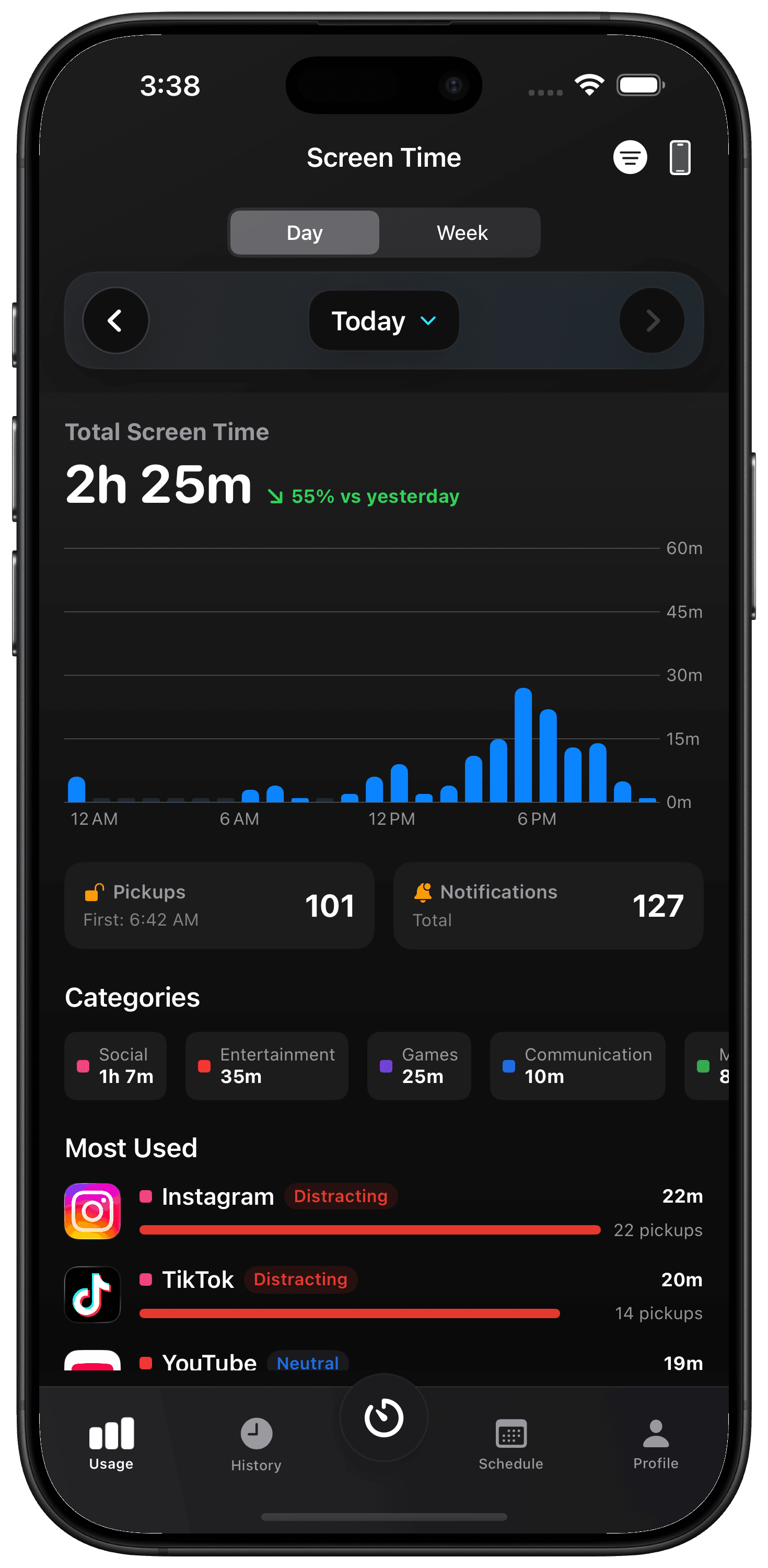
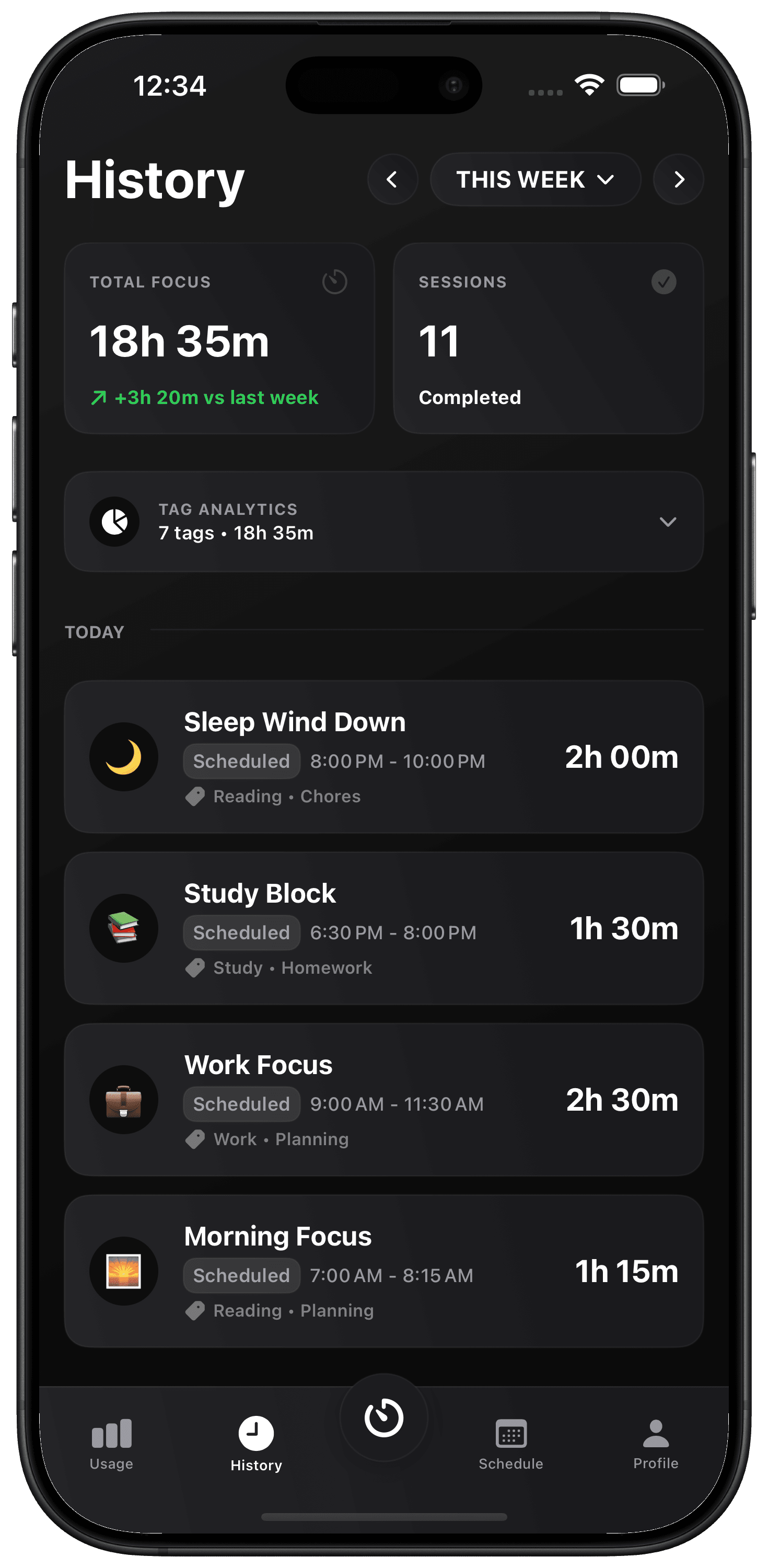
Your Screen Time.
Who sees it?
You do. Your Screen Time activity stays on your device. GetOffYourPhone uses Apple’s Screen Time tools; we don’t receive your personal usage data.
Read privacy policyA few
more questions?
Apple setup helpHow does the blocking work?
You grant Screen Time permission and choose what to block. Apple’s Screen Time system enforces those choices while your session runs.
Can I use it for free?
Yes. Start with Quick Sessions up to one hour and two scheduled sessions. Premium adds longer sessions, multi-day schedules and more.
Does it work on iPad?
Yes. GetOffYourPhone is built for iPhone and iPad. Each device needs its own Screen Time permission.
Can I keep my devices in sync?
Optional iCloud sync keeps your sessions, block lists and settings together. Your personal Screen Time usage stays on your device.
Ready for a little
less scrolling?
For iPhone and iPad.